For kindergarten to grade 2 teachers
A free learning pet your students can play at home
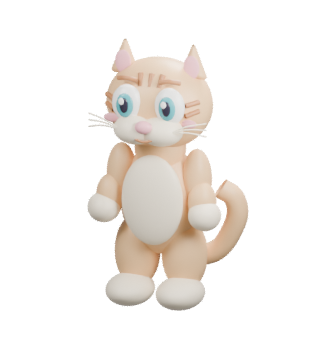
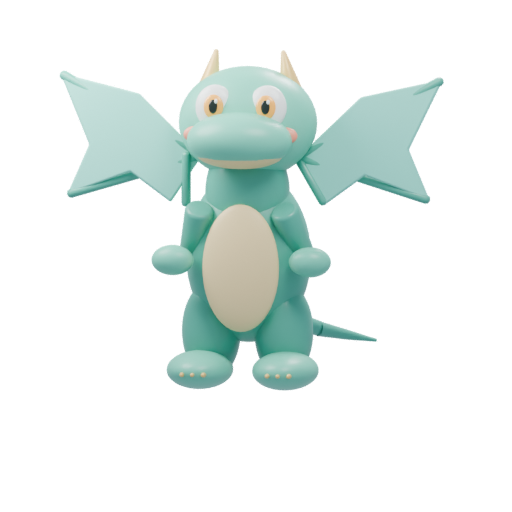
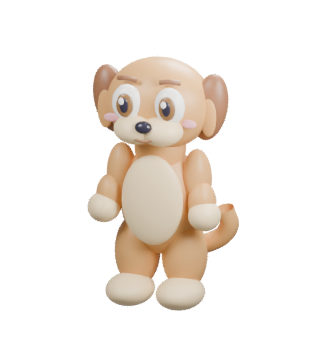
Share one class link with families. Children pick a pet, play short math and reading games, and watch their pet grow. No student accounts, no student emails, no ads.
Get your class linkFree · Nothing to install · Try a game yourself
Why it fits K–2
Simple for families, careful with children’s data
No student accounts
Children never sign up or give an email address. They open the link and start playing.
Parents stay in charge
Play stays in the browser until a parent chooses to connect the device from the parent app, as our COPPA notice describes.
Any browser
Chromebook, iPad, tablet, phone or computer. No app store download.
What children practice
Short games for early math and reading
Each game takes a few minutes, uses pictures and spoken instructions, and helps the pet grow. Parents choose which games are on and set levels. There are also arcade versions, like Number Tower and Letter Bubbles.
 Math
Math
Numbers, quantities and early addition
 Phonics
First sounds
Hear a word and find the letter it begins with
 Phonics
Build a word
Put letters in order to spell short words like cat, sun and pig
 Phonics
Rhymes
Listen and pick the word that rhymes
 Thinking
Patterns
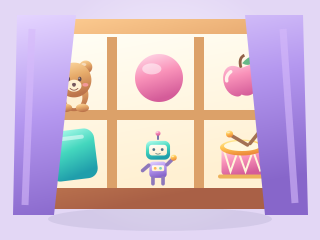
Choose the piece that comes next in a pattern
 Thinking
Memory
Spot what changed or what is missing
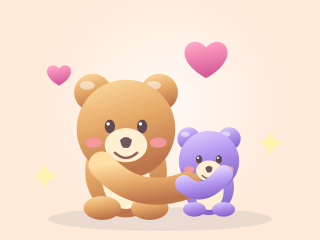 Feelings
Name a feeling and choose a kind way to help a friend
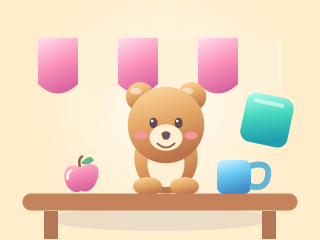 Listening
Pipalo Cafe
Hear an everyday word and serve the matching picture
Games are practice, not a curriculum or an assessment. Try one now →
Your class link
One link for all your families
Make a class link, then print the letter to families and a classroom poster with its QR code. No sign-up. Your link is saved in this browser, so you’ll see the same one when you come back.
Loading…
To print a letter or poster, first create your class link at playpipalo.com/teachers.
Teacher questions
Before you share it
Questions or something missing? Email hello@playpipalo.com. Please don’t include student information.
Does it cost anything?
No. Pipalo is currently free to play, with no ads and no payment details needed. Teachers don’t need an account to get a class link.
Do students need accounts or email addresses?
No. Children never create an account or give an email address. A child can play right away in the browser. If a family wants progress reports, a parent signs in to the parent app and connects the child’s device with a code.
What about student privacy and COPPA?
Pipalo is designed so that parents, not schools, decide whether a child’s device is connected. Until a parent connects it, the pet and progress stay in that browser. We count visits and game activity anonymously, with no names, email addresses, ads or third-party trackers. The privacy policy has the full COPPA notice to parents.
What does the class code in my link do?
It labels visits that came from your class link, so we can count in total how many families found Pipalo through teachers. It never identifies a child, a family or you, and it isn’t linked to anything a child does in the game.
Which devices does it work on?
Pipalo runs in the web browser, with nothing to install, so families can use a Chromebook, an iPad or other tablet, a phone, or a computer. Sound helps, because many games read instructions aloud.
Can we use it on shared classroom devices?
Pipalo saves one pet per browser, so it works best on a child’s own device at home. On a shared device, students who use the same browser would share the same pet and progress.
Can I see how my class is doing?
Not yet. Pipalo doesn’t show teachers any information about students. Families can follow their own child’s practice in the parent app.