Ages 5–8 · Kindergarten to grade 2
Free educational games for kids 5–8, with no ads and no sign-up
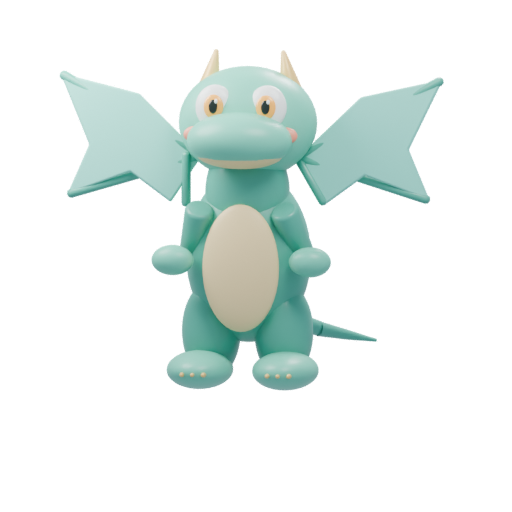
Pipalo is a set of 16 short learning games built around a virtual pet. Your child picks a dragon, cat, dog, or unicorn, watches it hatch, and helps it grow by playing math, letter, listening, thinking, and feelings games. It is free, it has no ads, and you can start playing in the browser right now.
Free · No email or code needed · Works in the browser on tablets, phones and computers
A few of the games
The same art your child sees on the Games screen.
 Math
Number Tower
Drop the floor when the matching number appears.
 Math
Treasure River
Steer the boat under the matching number.
 Letters
Letter Bubbles
Pop the bubble with the letter you hear.
 Letters
Letter Breaker
Aim the ball at the right letter brick.
 Listening
Surprise Claw
Grab the picture you heard.
 Listening
Word Delivery
Drive the truck to the picture you heard.
 Thinking
Shape Workshop
Drag each piece to its matching space.
 Feelings
Friends Clinic
Choose a tool and care for a friend.
What “free” means here
Pipalo is currently free to play. There are no ads, no payment details, and no app store download. The demo opens without an email address. If you later want the parent app, you sign in with a one-time code sent to your email. Your child never needs an account or an email address.
Five learning areas, 16 games
Every game has three levels and spoken instructions, and each success helps the pet grow through its stages. Between games, your child can visit the pet’s rooms and dress it up.
- Math: counting, addition and subtraction from within 5 up to 100, in the Math game, Number Tower, and Treasure River.
- Letters and reading: First sounds, Rhymes, Build a word, Letter Bubbles, and Letter Breaker.
- Listening and vocabulary: Pipalo Cafe, Word Delivery, and Surprise Claw.
- Thinking and memory: What’s missing?, Complete the pattern, and Shape Workshop.
- Feelings and friendship: Help a friend and Friends Clinic.
A checklist for any free kids’ game
Whatever you choose, these questions are worth asking before your child plays:
- Are there ads, or buttons that lead to purchases?
- Does a child have to create an account or enter personal details?
- What data is collected, and can you delete it?
- Is there a natural stopping point, or does it push for one more round forever?
- Can you, the parent, choose what is practiced?
How Pipalo answers those questions
No ads. Children don’t sign up. We count visits and game activity on our own site, with no advertising trackers, and we respect Do Not Track and Global Privacy Control. Parents can download or delete their data in the parent app.
You can set a daily goal for each learning area. When the goal is met, the pet gets sleepy and suggests a rest, and your child can tuck it in or play a little more.
Try a game with your child
Choose a pet, play one short game, and see if it fits your family. You can connect the free parent app later.
No sign-up · No ads · Saved in this browser
Questions parents ask
FAQ
Are these educational games really free with no ads?
Yes. Pipalo is currently free to play, with no ads and no payment details.
Why is there no sign-up?
So your child can try a game right away. The demo is saved in this browser on this device. A parent can connect later through the free parent app to choose games and see progress.
What ages are the games for?
Kindergarten through second grade, about ages 5 to 8. Parents choose an age group, and Pipalo suggests matching games and levels.
What devices does it work on?
Any recent web browser on a tablet, phone, or computer. You can add the kids app to the home screen so it opens like an app.
What happens to my child’s information?
Children don’t have accounts or email addresses. Detailed visit records are deleted automatically after seven days. Our privacy policy explains what we store and how to delete it.